• Oct 09 / 2026
  • Comments Off on Vehicle photo inspection right in the driver app
Фотоосмотр автомобиля прямо в приложении водителя
News

Vehicle photo inspection right in the driver app

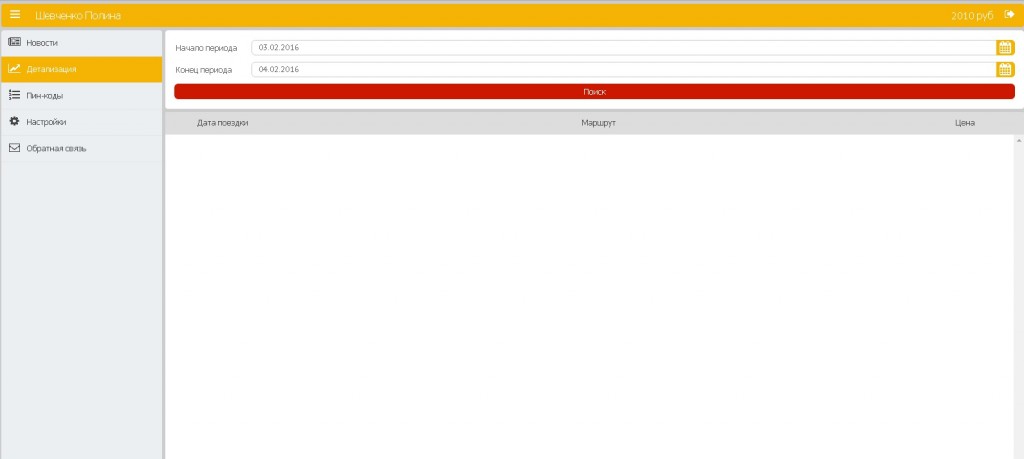
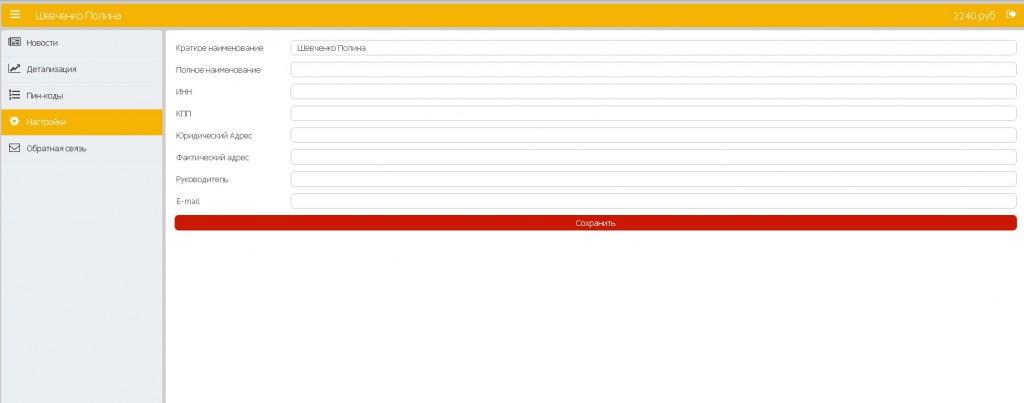
You can now check the condition of a car and the driver’s appearance without a visit to the office. The driver photographs the car on their phone, and the dispatcher accepts the photos in the dashboard.

How it works

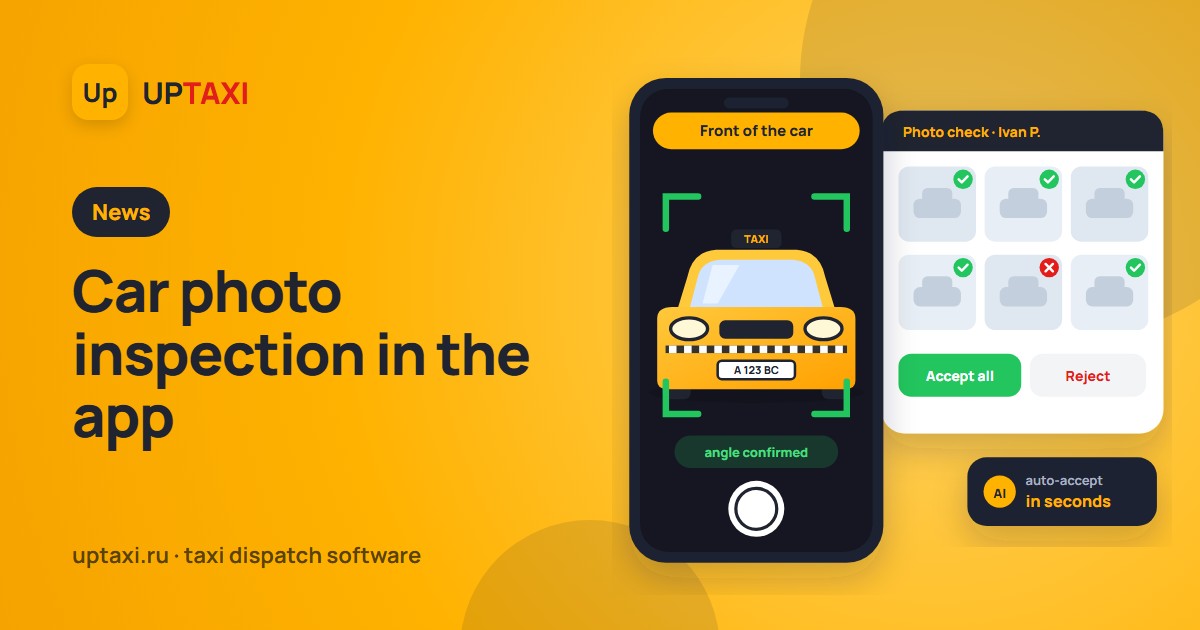
A driver enrolled in photo inspection takes it regularly, at an interval set by the service. When it is due, a task appears on the screen, for example: «Photo inspection: Front of the car», «Left side», «Rear interior». The service chooses the set of angles: the car from different sides, the interior, a photo of the driver.

The camera in the app helps take the right shot. A neural network on the phone checks that the right angle is in frame and highlights the frame in green when everything is fine. Photos are sent with one button.

Review in the dashboard

  • Auto-accept. If the angle is confirmed by the neural network, the photo is accepted immediately, and the driver keeps working without waiting.
  • Manual review. All of a driver’s photos open on one page, and a photo expands to full screen on hover. You can accept or reject them one by one or all at once.
  • Rejection with a reason. The driver sees what is wrong and retakes only that shot.
  • «Send to inspection» button. If a car raises questions, the dispatcher sends the driver to an unscheduled inspection in one click.

Until the photos are accepted, the driver has the «Photo inspection» status. Once they are accepted, access to work is restored automatically.

Who takes part

Photo inspection is enabled through the «Photo inspection» bonus: it can be issued from the console or with a button in the dashboard, and new drivers get it automatically when they register through the application form. Drivers without the bonus work as before, and enabling the feature does not send everyone to inspection at once.

Photo storage

The system deletes old photos on its own and saves space on the server. The latest inspections of each driver are kept, rejected photos are kept longer in case of a dispute, and photos of dismissed drivers are deleted after a set period. All retention periods are configurable.

How to connect

Photo inspection is available in the latest version of the driver app. To turn it on for your service, contact support: we will set up the set of angles and the photo acceptance mode to match your rules.
  • Oct 08 / 2026
  • Comments Off on Drivers stay connected even when the internet is restricted: a backup channel in UpTaxi
Водители на связи даже при ограничении интернета: резервный канал подключения в UpTaxi
News

Drivers stay connected even when the internet is restricted: a backup channel in UpTaxi

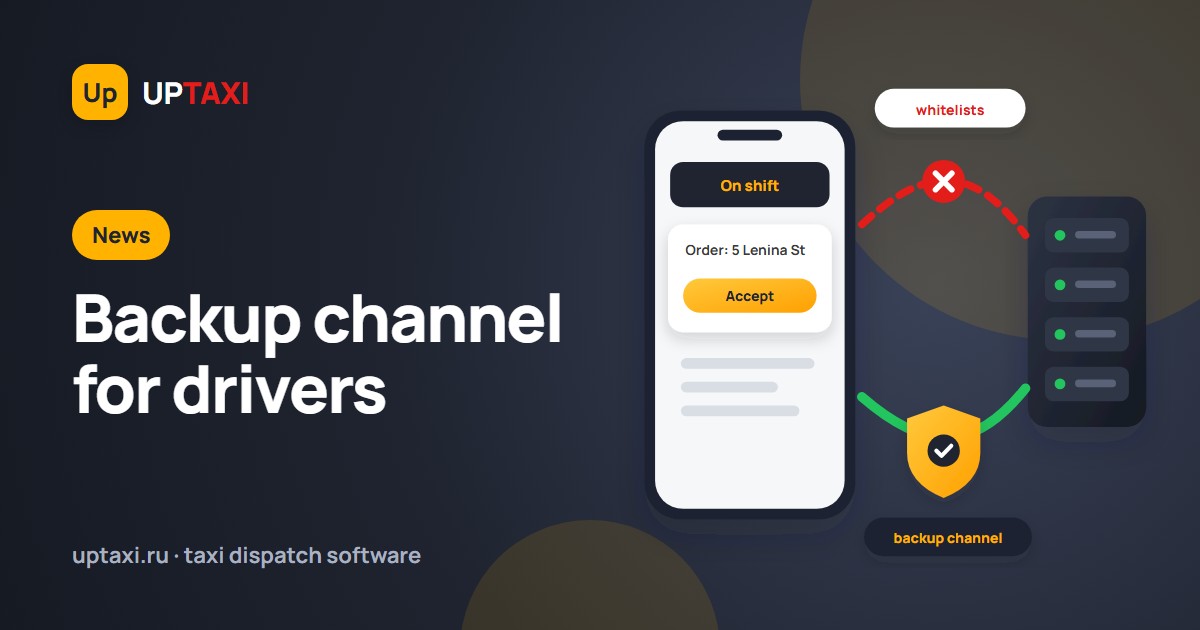
In some regions mobile internet is now restricted from time to time: only services on so-called «whitelists» remain reachable. For a taxi service this is a serious problem. The driver app loses its connection to the server, new orders do not arrive, statuses do not update, and the dispatcher no longer sees cars on the map. The orders do not go away: clients keep calling and writing to the bot.

We have added a backup channel for connecting drivers to UpTaxi. If the regular connection to the server is unavailable because of restrictions, the driver app connects to the program through the backup channel and keeps working.

What works through the backup channel

  • receiving orders and automatic dispatch to the nearest drivers;
  • order statuses: «arrived», «client in the car», «order completed»;
  • pickup and destination addresses, changes to stops in an active order;
  • driver chat with the dispatcher;
  • cars shown in the dispatcher console.

Nothing changes for the dispatcher: orders are dispatched, drivers stay online, the console shows current statuses.

What it means for your service

The service keeps working on restriction days instead of losing orders and drivers while the internet is down. Drivers do not need to look for Wi-Fi or call the dispatcher to get an address. Clients keep ordering the usual way: calls are answered by the voice robot or an operator, and the order bot in Max keeps working during restrictions because Max is on the «whitelists».

The backup channel complements the driver bot in Max that we released in spring: the bot lets drivers work without installing an app and on a weak connection, while the backup channel keeps the «UpTaxi Driver» app itself working when the network is restricted.

How to connect

For current clients the backup channel is included in the existing plan at no extra cost. Message support, and we will turn it on for your service and tell you what drivers need to update. New clients get it right away together with the 30-day free trial.

To connect or ask a question: prices and trial request, support — taxisoft@list.ru, phone +7 900 28-28-328.

  • Apr 13 / 2026
  • Comments Off on Taxi driver bot in the Max messenger
News

Taxi driver bot in the Max messenger

With internet access restricted, we have built a dedicated driver bot that works right inside the Max messenger. It is a lightweight and stable solution that doesn’t require installing a separate app and is optimized to work even on a weak connection.

Key features

  • Automatic order dispatching
  • Picking available orders from the feed yourself
  • Location sharing
  • Status management: at the address, client in the car, order completed
  • Editing addresses in an active order (adding/changing stops)
  • Direct chat with the operator/dispatcher
  • Fully works without GPS: you can mark your location manually

Why it’s convenient

  • No need to download heavy apps or install constant updates
  • Uses minimal data
  • Works reliably on an unstable network
  • Intuitive interface, no lengthy training needed

How to get started

  1. Make sure the Max messenger is installed and your driver account is activated.
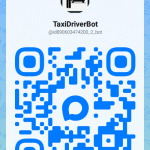
  2. Send /start to the bot or follow the link: https://max.ru/id890603474200_2_bot
  3. Complete a quick sign-in and get access to the order feed.

Support

For any questions about the bot, contact the operator via chat in your account.

Development plans

The bot’s functionality is constantly expanding. We are steadily bringing the bot closer to a full-fledged driver app.
  • Dec 26 / 2025
  • Comments Off on Taxi ordering bot in Telegram and Max
News

Taxi ordering bot in Telegram and Max

Why it pays off for your business

  • Less load on operators The bot never gets sick, never takes a lunch break and handles hundreds of requests at once. Route the flow of simple orders to Telegram and free up your dispatch service for complex tasks.

  • Loyalty of “digital” clients Many passengers avoid phone calls and don’t want to install heavy apps. The bot starts in a second and works even with a weak internet connection.

  • Zero cost of winning repeat orders The bot lives in the client’s chat list. Send notifications about promotions and promo codes for free, without expensive SMS campaigns.

Order a taxi in 3 clicks:

  1. Geolocation or address entry — The bot detects where the client is or suggests popular addresses (train stations, shopping malls, airports).

  2. Choice of class and options — Economy, Comfort or a child seat? The client picks a fare using a handy button menu.

  3. Clear status — “Driver found”, “Car has arrived”, “On the way”. The passenger sees the car make, license plate and the driver’s phone number right in the chat.

Flexible settings for the owner

  • Branding: Set your logo as the avatar and use your brand colors in messages.

  • Smart pricing: The bot syncs with your software and calculates the fare just as accurately as your dispatch software.

The Telegram bot will not only reduce the load on operators at peak hours, but also cut your staff costs. Your automated dispatcher in Telegram: take orders 24/7 without involving staff Reach a younger audience, cut your call center costs and let clients order a taxi where they spend 90% of their time: in a messenger.
  • Dec 09 / 2025
  • Comments Off on UpTaxi launches a smart voice robot: orders are now placed without an operator
News

UpTaxi launches a smart voice robot: orders are now placed without an operator

UpTaxi takes another step into the future with an innovation that changes the familiar service format: a smart voice robot for taking orders.
Now the client simply calls: the robot answers politely, confirms the pickup address and destination, and creates the order automatically — quickly, accurately and with no waiting on the line.

The solution is based on modern Large Language Models (LLM), thanks to which the robot understands natural speech, reacts correctly to pauses, clarifies trip details and keeps up a conversation as naturally as a human would.

What the new UpTaxi voice robot can do:

  • answers calls instantly and saves clients time;

  • asks all the necessary questions and understands addresses correctly;

  • handles unusual situations and clarifies details;

  • places orders without an operator.

Introducing the voice robot is part of UpTaxi’s strategy for developing modern digital services. The new technology speeds up service, reduces the load on the call center and ensures a consistently high level of service 24/7.

We believe solutions like this are the future of the industry, and we keep investing in technologies that make UpTaxi faster, more convenient and smarter.


Voice robot examples:

First

Second

Third

  • Jun 26 / 2017
  • Comments Off on Bank card linking added to the client app.
News

Bank card linking added to the client app.

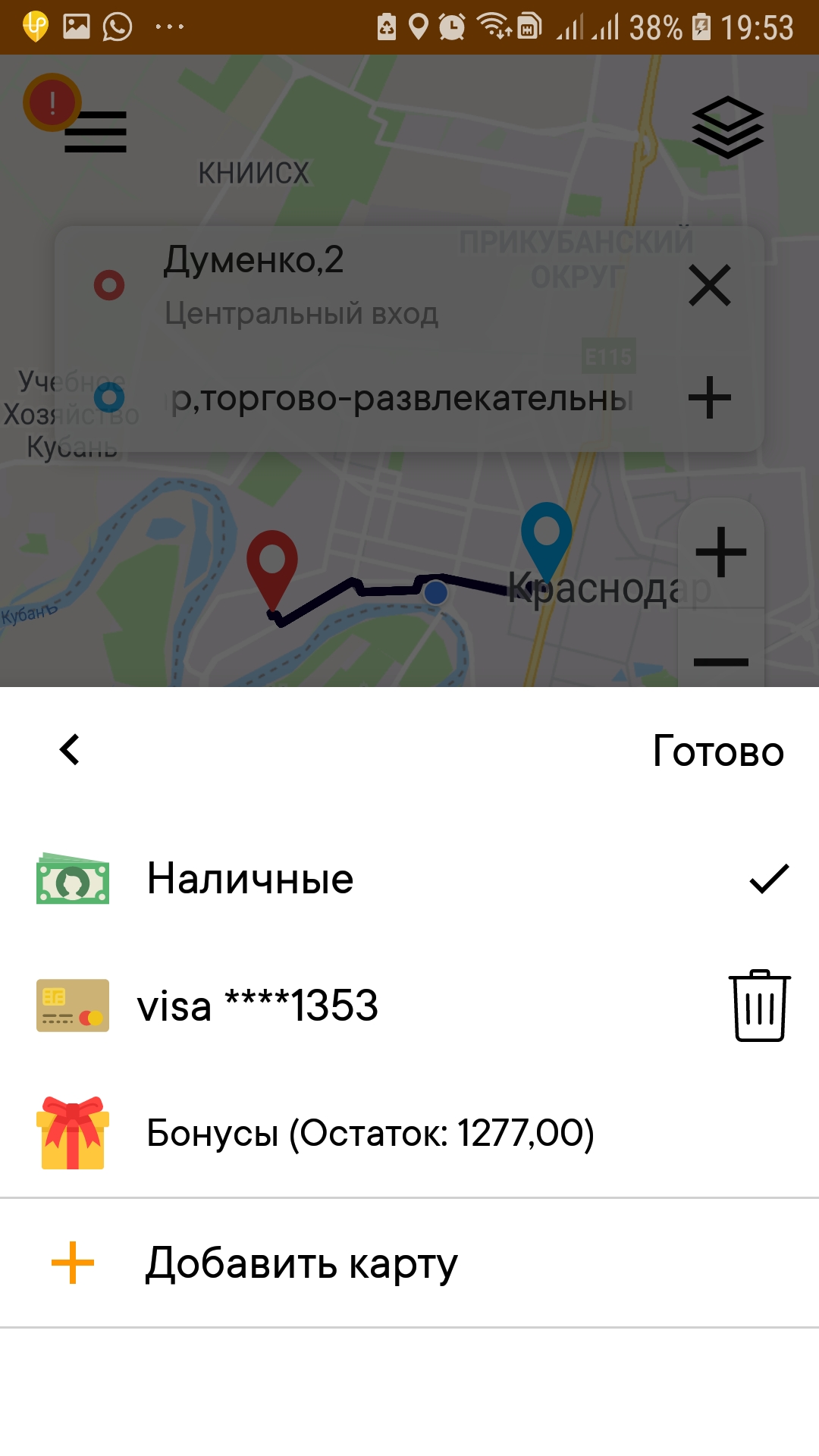
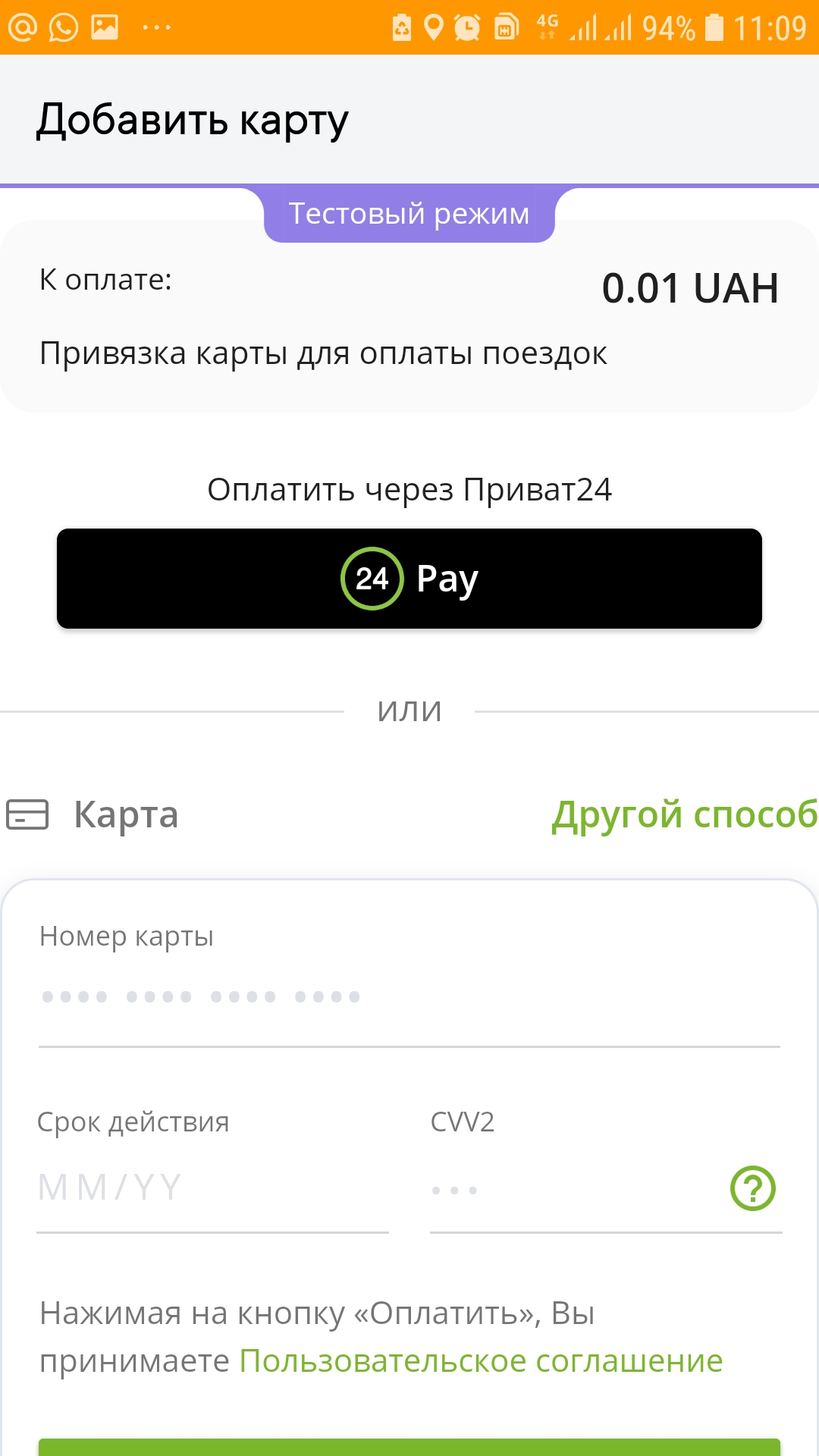
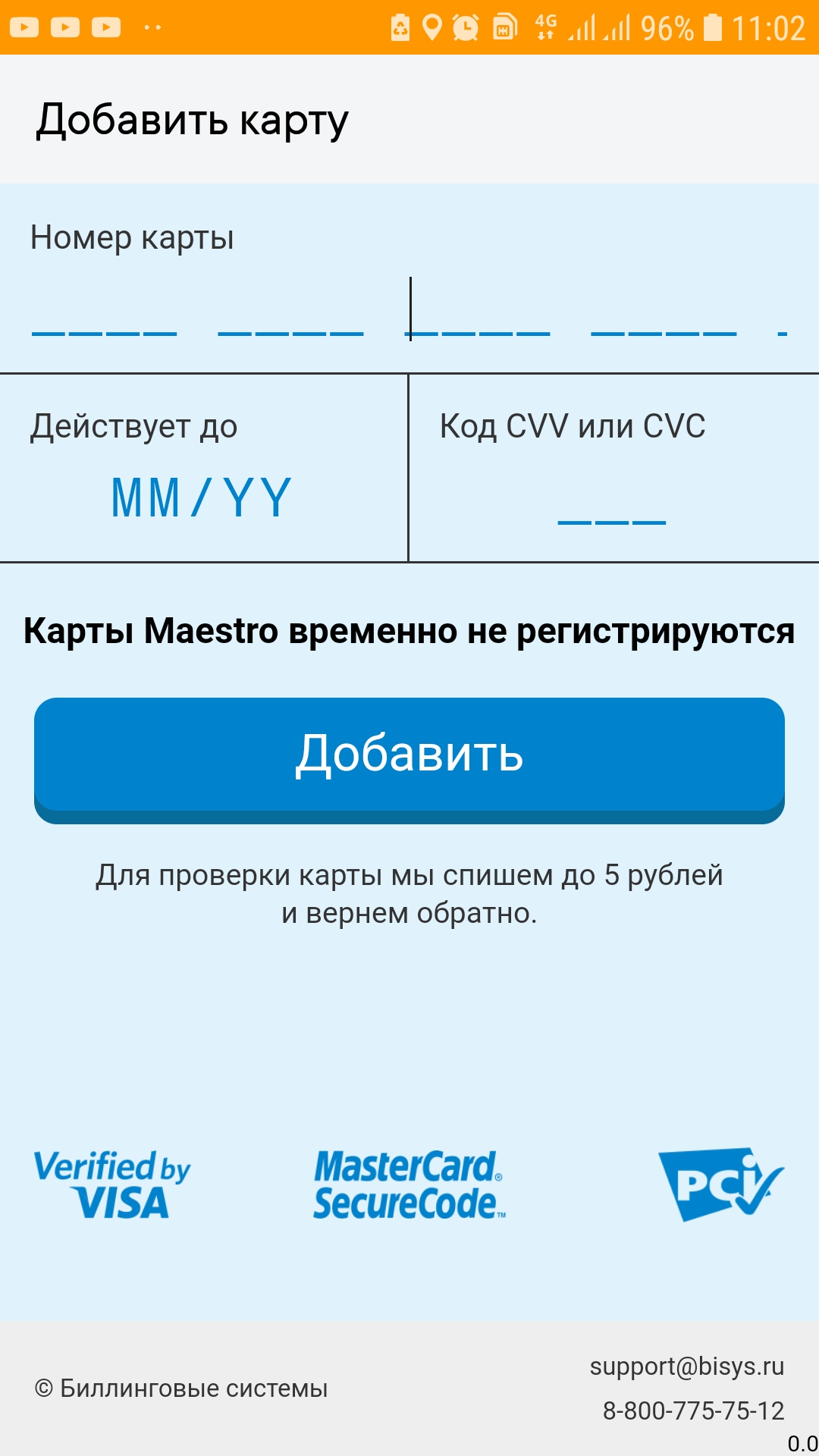
Clients who order through the app can now pay for their trip by bank card. The client only needs to enter the card details once; after that, the fare will be charged to the card automatically when the trip ends. Clients can link an unlimited number of bank cards in the app and choose any of them for payment.

2017-06-26 09-38-48 2017-06-26 09-38-48 2017-06-26 09-39-12
  • Jul 18 / 2016
  • Comments Off on TsPP-Yug payment terminals
ЦПС-ЮГ
News

TsPP-Yug payment terminals

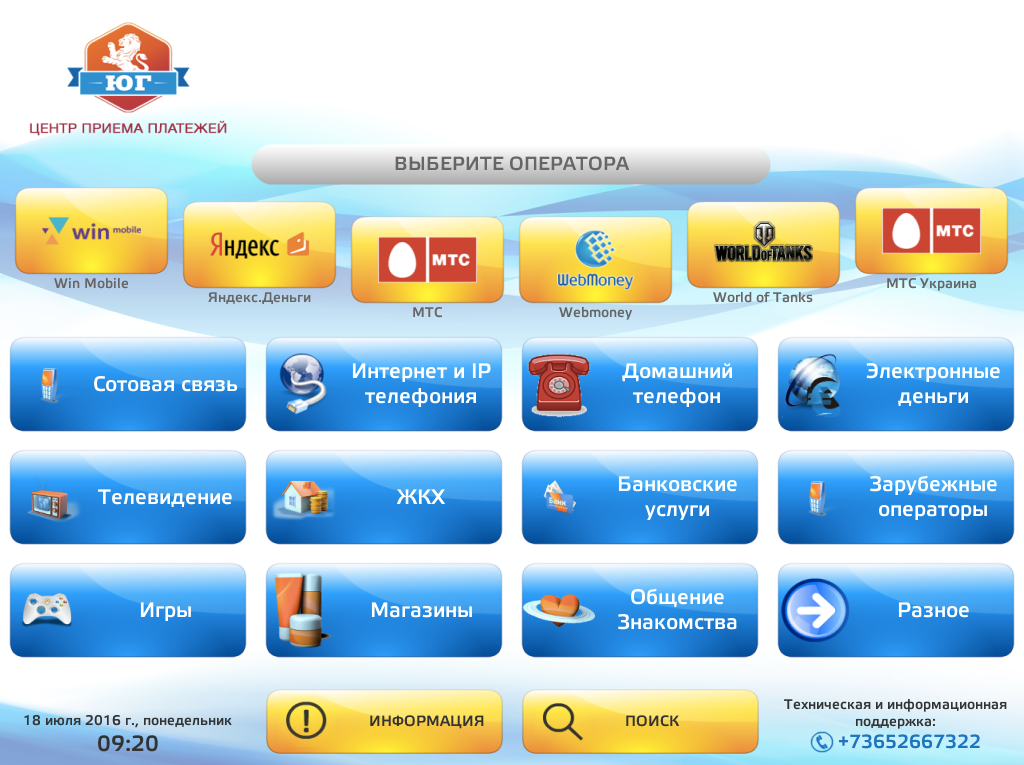
Dear partners! Payments can now be accepted through TsPP-Yug payment terminals (Crimea). Simferopol – 150 terminals Sevastopol – 25 terminals Yevpatoria – 18 terminals Saki – 10 terminals Bakhchisaray – 6 Dzhankoy – 12 Sudak – 5 Yalta – 4 TsPP-Yug screen
  • Feb 04 / 2016
  • Comments Off on Corporate client dashboard from UpTaxi
News

Corporate client dashboard from UpTaxi

The UpTaxi software suite now has a new module: the corporate client dashboard.

Your corporate clients can now track their taxi spending on their own and see a detailed trip history for each of their employees, down to the phone number the taxi was ordered from.

The corporate client dashboard is available to every taxi service owner using the UpTaxi taxi software. It is provided free of charge as a link on request to technical support.

You can find detailed rules for using this new feature in the Help section of your account.

Order history card

карточка истории поездок

Profile settings

кабинет корпоративного клиента
  • Dec 23 / 2015
  • Comments Off on Taxi call center: just 5 rubles per successful call!
News

Taxi call center: just 5 rubles per successful call!

UpTaxi has call centers connected to the system that can take over your order intake at attractive prices:

1 ruble – per answered call, i.e. the operator answered your client and placed the order; 4 rubles – charged only if the accepted order is successfully completed. As a result, each successfully completed order will cost you 5 rubles!

Just like the driver exchange, call centers are designed for effective cooperation between different companies within one system and for raising service levels and your clients’ loyalty.

UpTaxi lets you not only connect third-party call centers, but also act as a call center yourself.

By connecting a third-party call center, you protect yourself against missed calls and lost clients. Clients will always be able to get through to your company. Even if the power goes out in your dispatch service, the call center will take over the load.

You can read more about working with call centers here.
  • Nov 17 / 2015
  • Comments Off on Taking it to a new level!
News

Taking it to a new level!

Dear visitors and guests! Today our new website goes live. We have tried to make it as convenient and easy to navigate as possible, and to fill it with comprehensive information about how our product works.

We don’t stand still: we develop, grow and improve our results every day. So even though UpTaxi is a relatively young product on the taxi software market, we can say with confidence that it deserves your attention, earns your trust and can live up to your expectations.

A refreshed brand, a refreshed website, customer-focused service and a conscientious approach to our work: this is what UpTaxi looks like today.

Pages:12›
Telegram Max